Turning Material On and Off
(Material ON/OFF)
The Material ON/OFF button allows you to quickly toggle the display of the stock in the simulation window. This is useful when you need to focus on the toolpath without being distracted by the stock model.
When the material is ON, the 3D window displays the stock defined in the simulation settings.
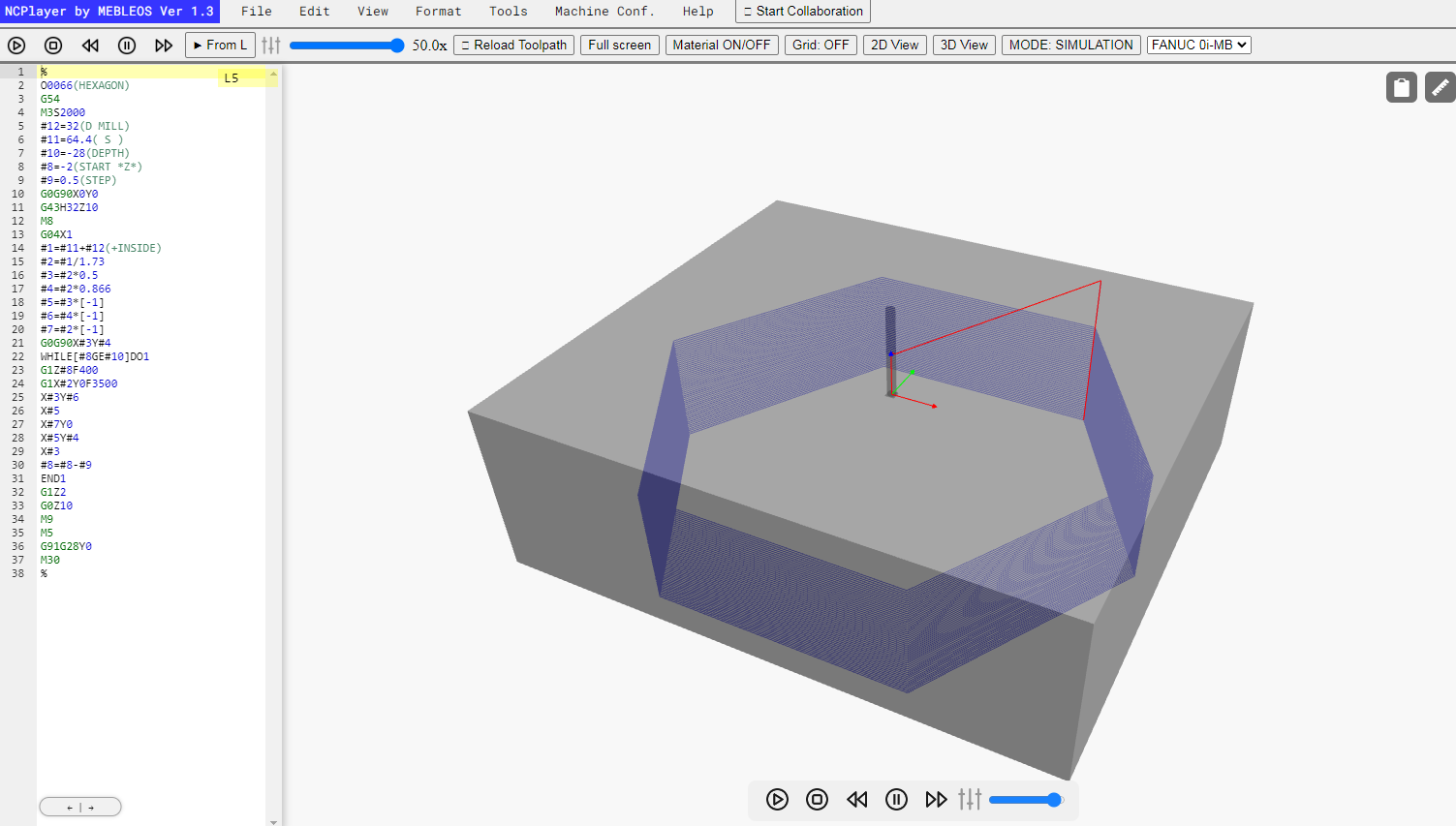 When the material is OFF, the stock is hidden, leaving only the visualization of the toolpath and the tool.
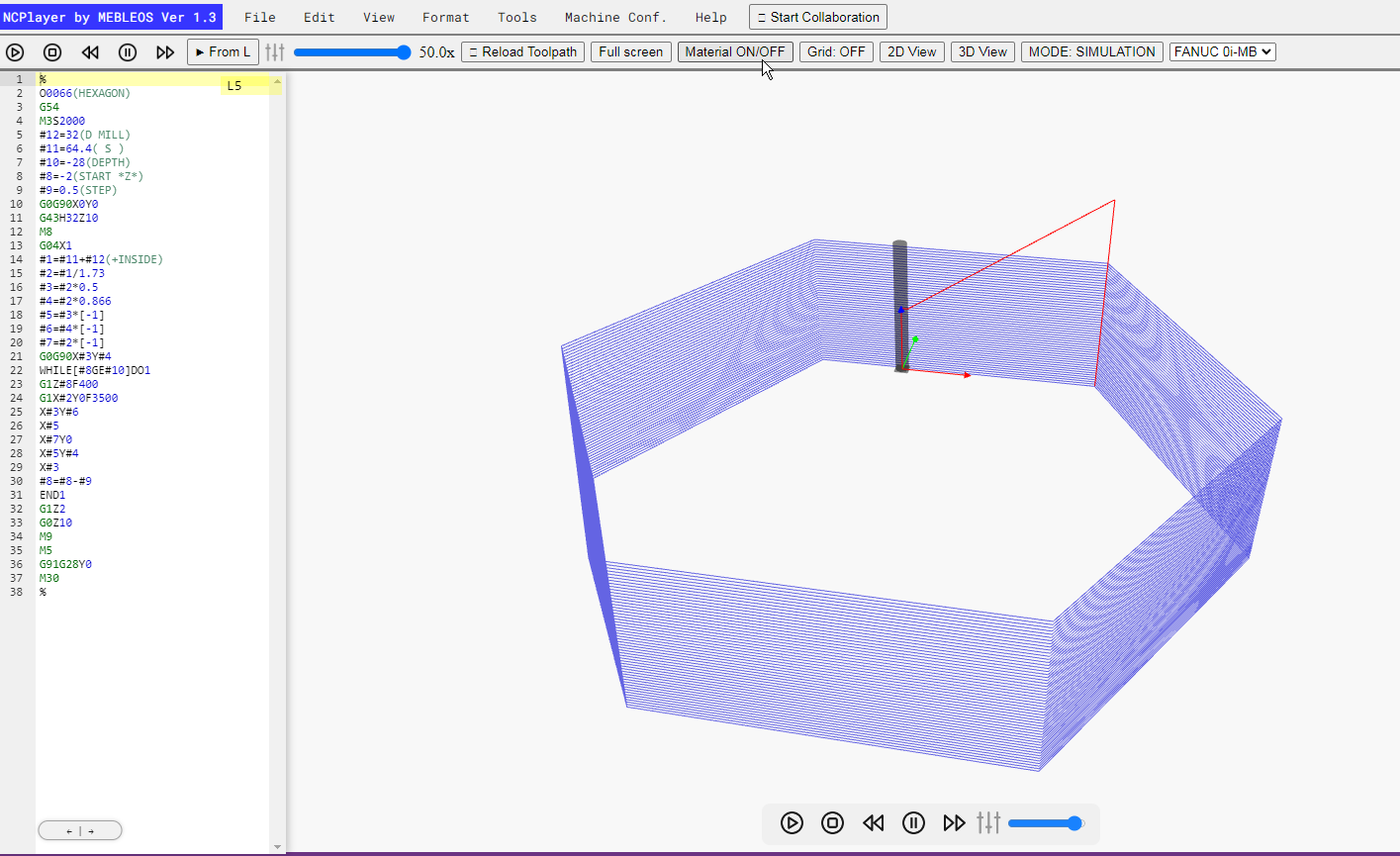
Toggling the material ON or OFF does not affect simulation parameters, stock dimensions, or toolpath calculations — it only changes the visibility of the stock model.
When it is useful:
- For analyzing complex toolpaths where the stock might block the view.
- When debugging macros or subprograms where only the motion geometry is important.
- To improve simulator performance on low-end PCs.
NCPlayer by MEBLEOS © 2026