Loading Demo Programs in NCPlayer
NCPlayer provides the option for quick loading of demo CNC programs (NC files), which allows you to explore the functionality of the service and test its features without the need to upload your own files.
To load a demo program, use the menu option
File → Demo NC or click the corresponding button on the toolbar.
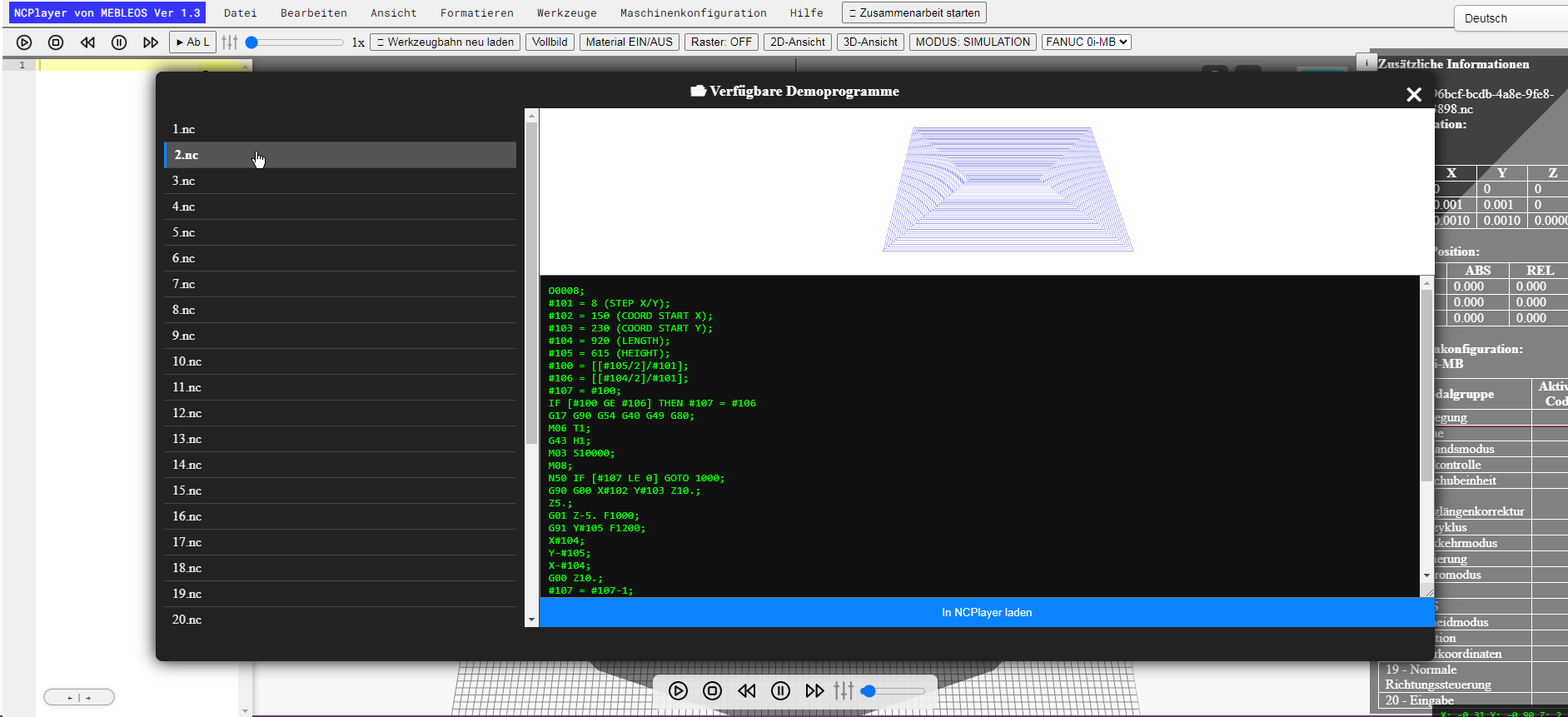
Click the "Load to NCPlayer" button. After that, a ready-made example will be loaded into the
G-code editor, which you can immediately visualize in either 3D or 2D mode.
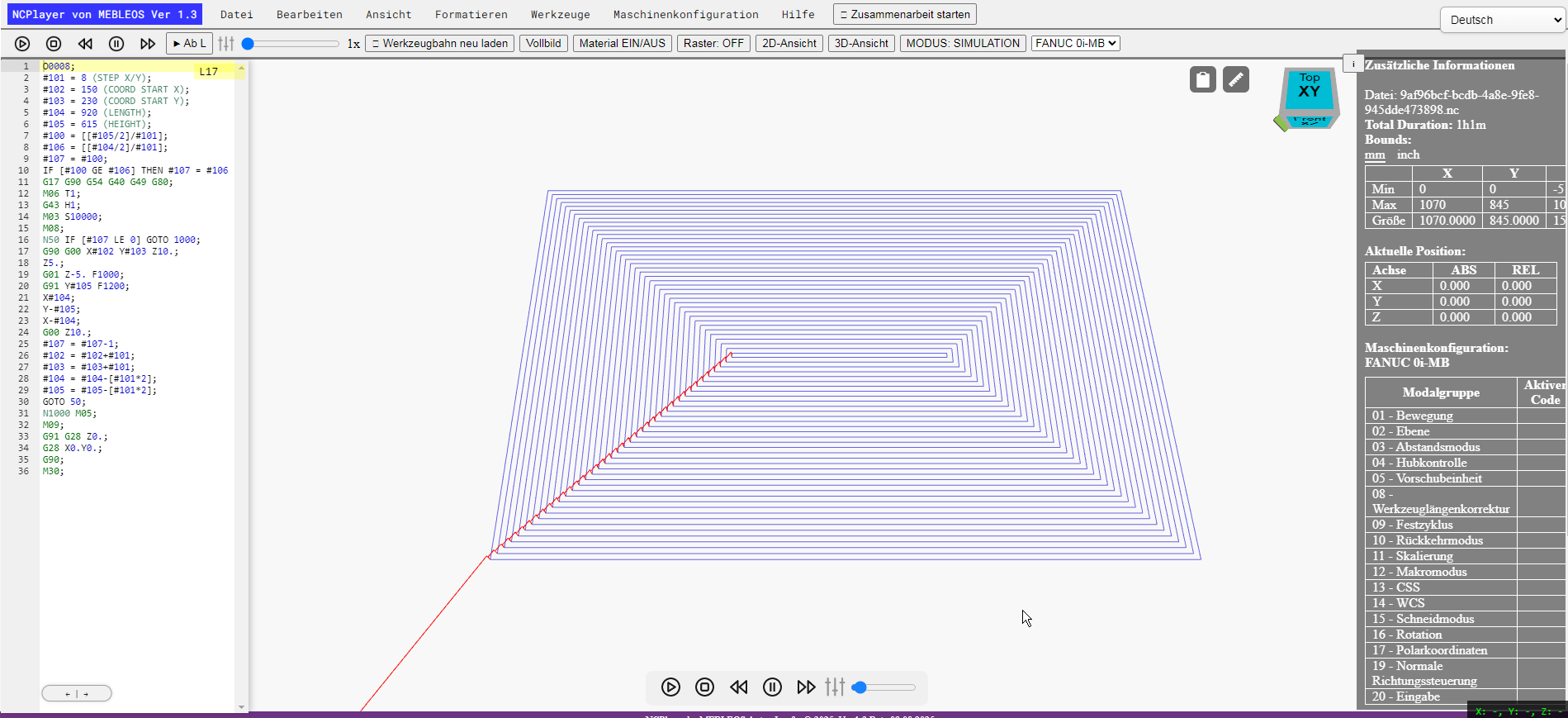
Loading demo programs is especially useful for:
- Getting acquainted with NCPlayer and its interface for the first time.
- Testing the simulation without preparing your own G-code.
- Checking the operation of step-by-step execution, animation, and trajectory analysis.
- Training students and new employees with real G-code examples.
Note: Demo programs do not need to be saved — you can load another demo program or open your own file without restarting the application.
Tip: After loading a demo program, try modifying its code in the editor and run the simulation again to clearly see how your changes affect the toolpath.