Enable Grid
Enable Grid (GRID)
The Enable Grid feature in NCPlayer allows you to toggle the display of the coordinate grid in the simulation window. The grid helps you visually orient yourself in the workspace, assess the dimensions of parts and toolpaths, and more accurately analyze the positioning of tool movements.
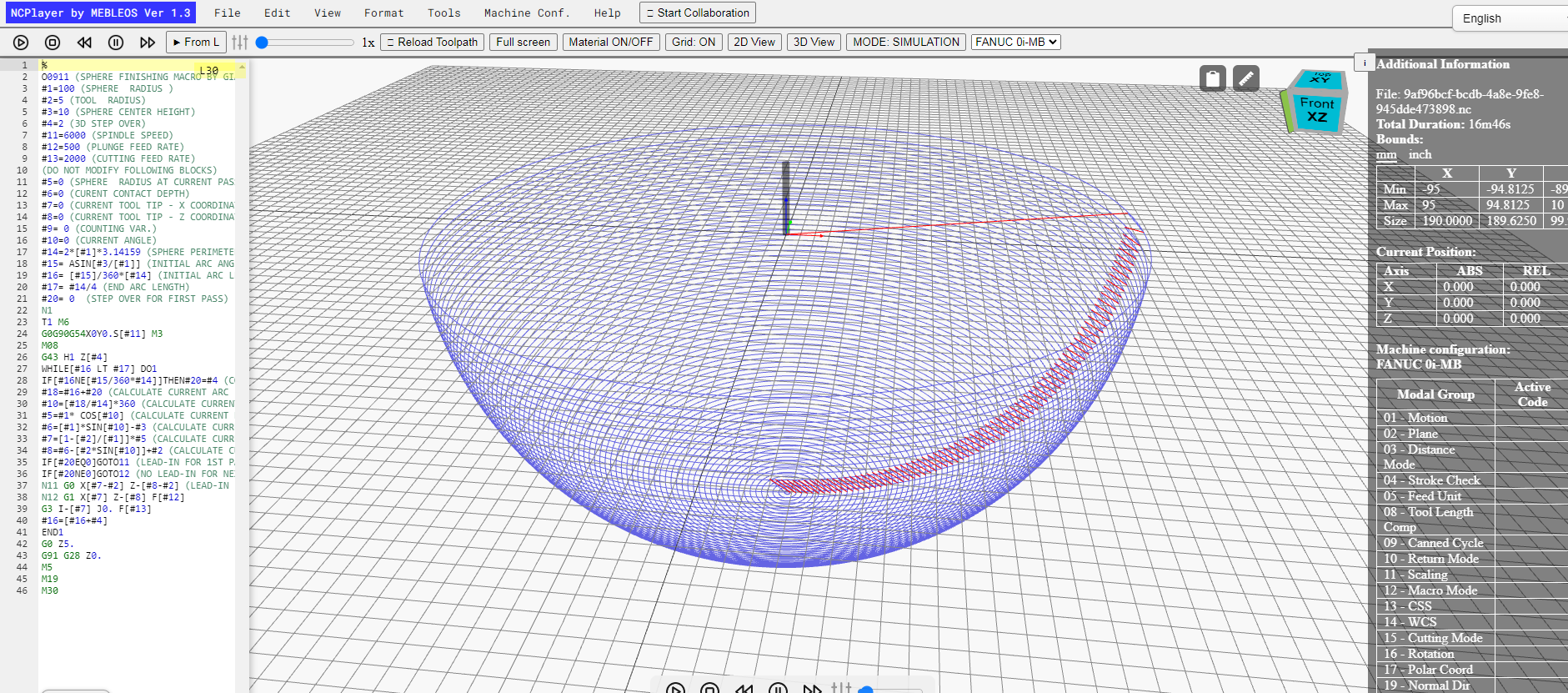
Purpose of the feature
- Visual representation of the machine's coordinate system.
- Convenient orientation when analyzing the toolpath.
- Comparison of machining sizes and proportions.
How to use
- Open the View menu.
- Select the Enable Grid (GRID) option.
- The grid will appear in the background of the simulation area.
Features
- The grid is displayed only in toolpath viewing mode.
- It scales when zooming in or out of the scene.
- The color and spacing of the grid are preset and optimized for clarity.
NCPlayer by MEBLEOS © 2026