Fullscreen Mode
Fullscreen Mode
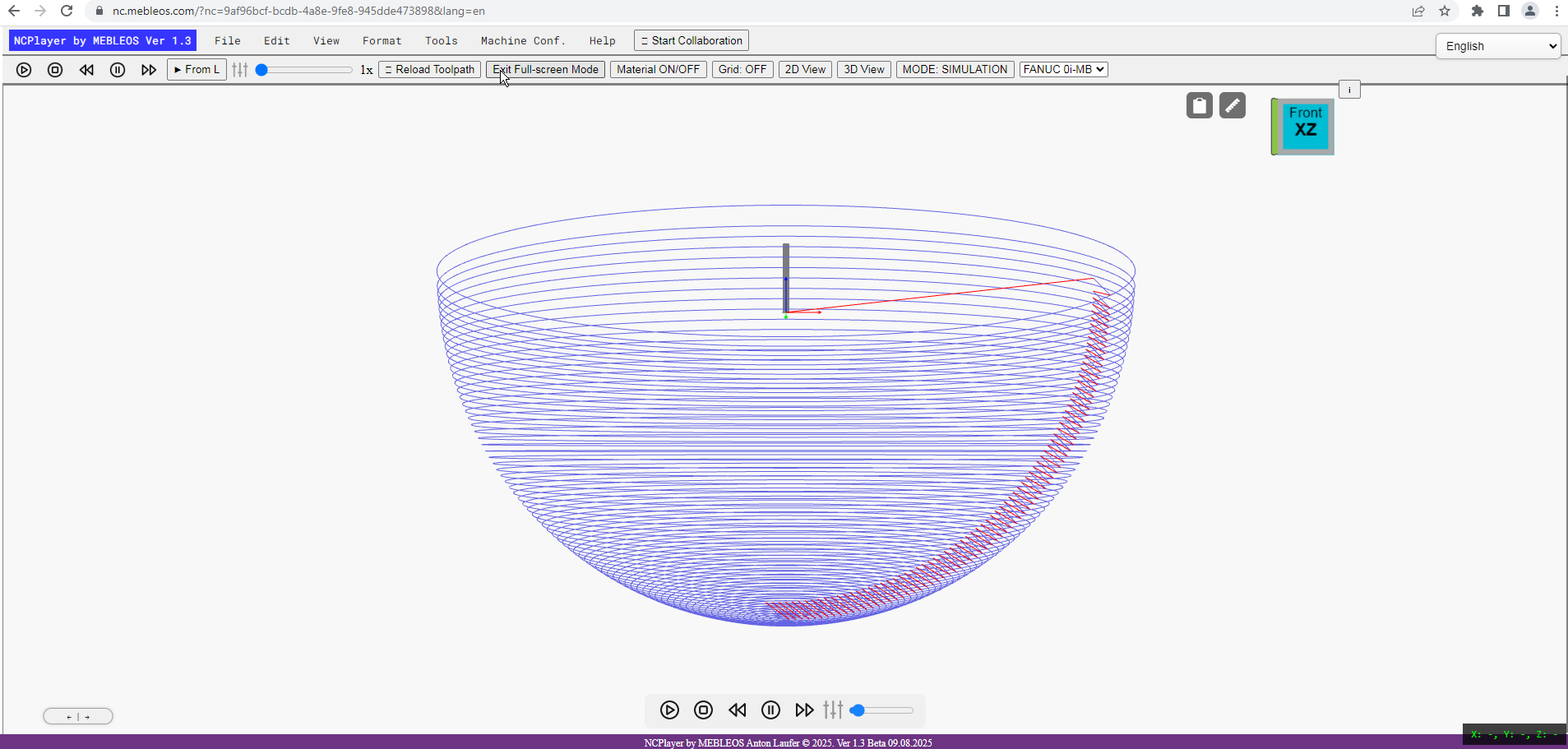
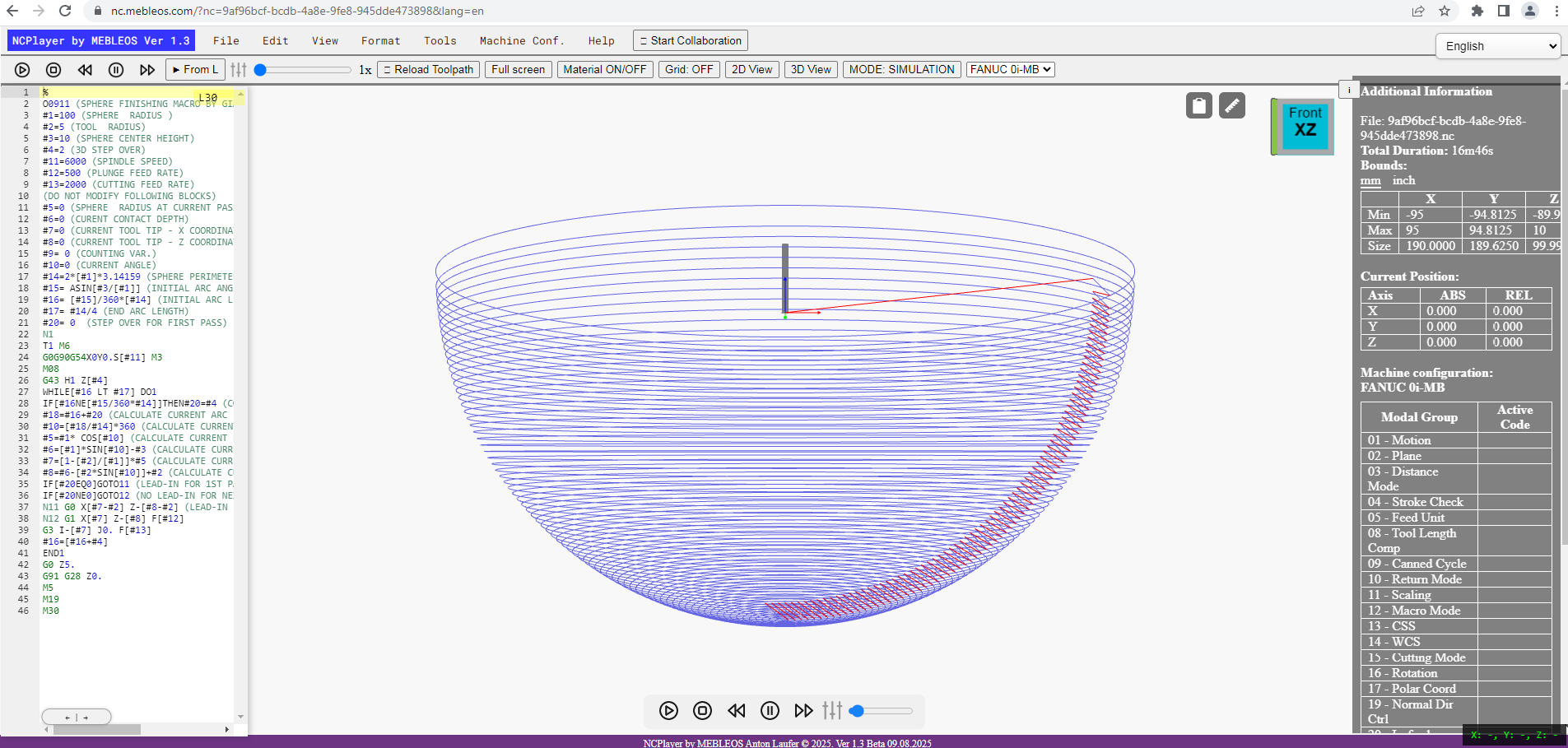
The Fullscreen Mode feature allows you to expand the NCPlayer workspace to the entire screen, removing all browser and operating system interface elements. This is especially useful when working with large CNC programs, providing maximum space for toolpath viewing or code editing.
How it works
- When activated, all browser and OS panels are hidden.
- The NCPlayer window stretches to full screen, ensuring maximum visibility of the model and code editor.
- Switching on/off is done via the Fullscreen Mode button in the View menu.
- All NCPlayer tools and functions remain available in fullscreen, including simulation, editing, and toolpath analysis.
Benefits
- Maximum focus on code and toolpath work.
- No distracting interface elements.
- Better accuracy when working with small details and complex toolpaths.
To exit fullscreen mode, click the Exit Fullscreen Mode button or press Esc on your keyboard.
NCPlayer by MEBLEOS © 2026