Removing Leading and Trailing Spaces
This feature is designed to automatically remove unnecessary spaces located at the beginning and/or end of each G-code line. This helps improve code cleanliness, make it easier to read, and ensure correct operation of the NCPlayer parser.
Purpose
- Optimize G-code before simulation.
- Increase parsing accuracy and command recognition.
- Remove accidental spaces that may appear during code editing or copying.
How to Use
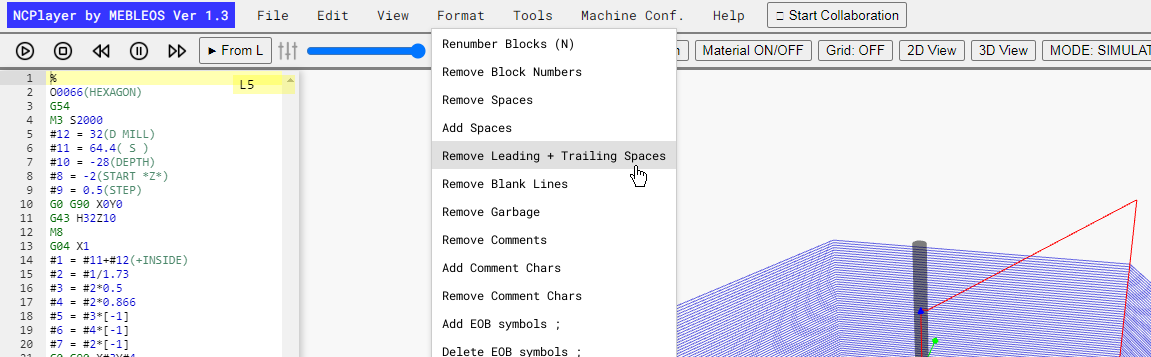
- Open the Format menu.
- Select the Remove Leading + Trailing Spaces option.
- The changes will be applied to all lines of the current program.
Example
Before:   "   G01 X50 Y25   "
After:    "G01 X50 Y25"
Warning:
If your G-code comments intentionally use spaces at the beginning or end of a line for visual formatting,
this feature will remove them. Make sure the removal does not affect the readability or intended formatting of comments.
NCPlayer by MEBLEOS © 2026