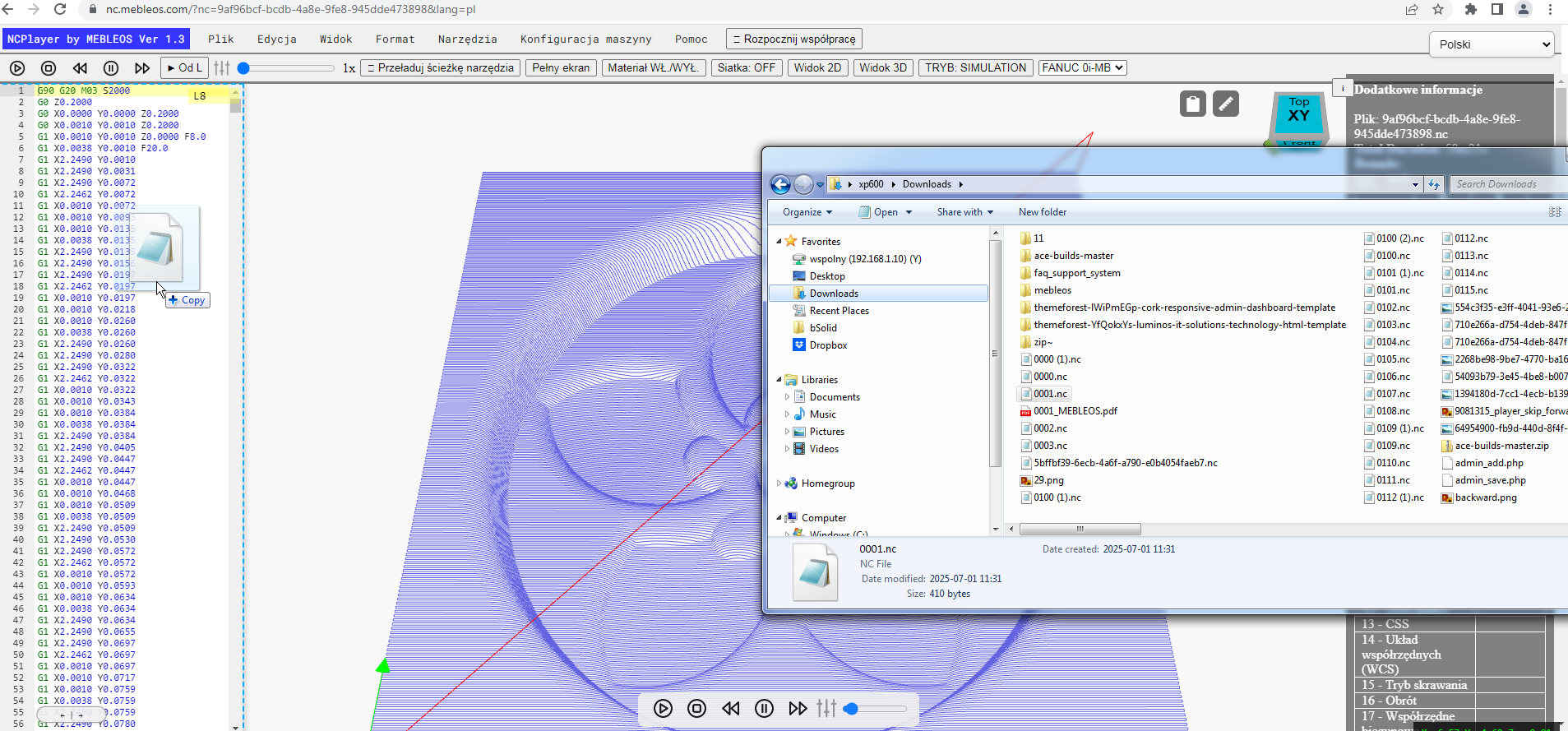
Opening Programs from Computer
NCPlayer provides a feature to open control programs (NC programs) directly from your computer. This allows you to load any file containing G-code into the editor for simulation, analysis, or debugging.
To open a file, click the "Open" button in the top menu or use the hotkeys F2 + O. In the dialog window, select the required file with the .nc, .txt, or another supported extension.
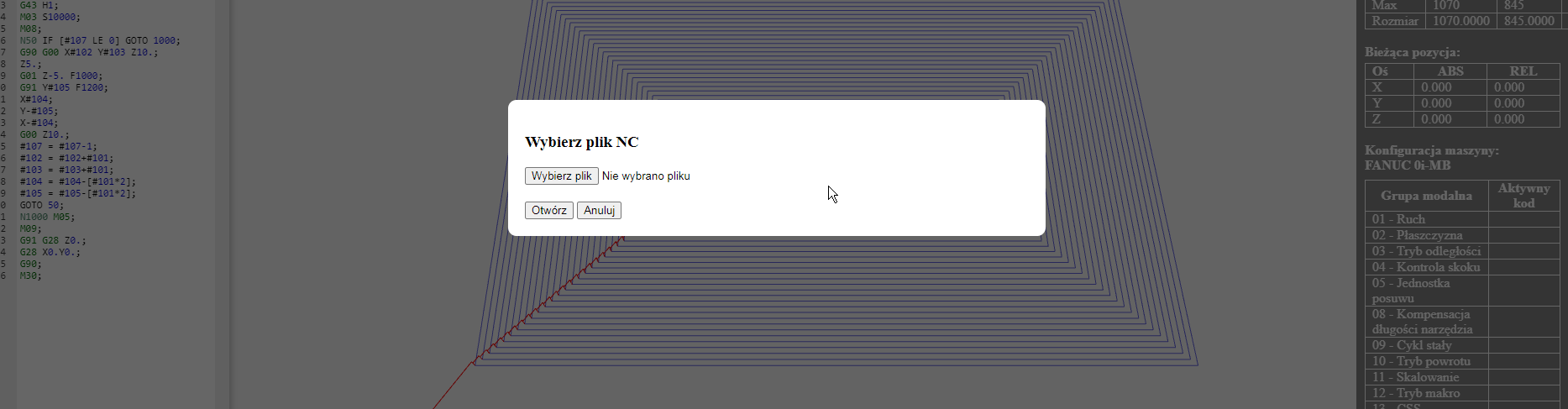
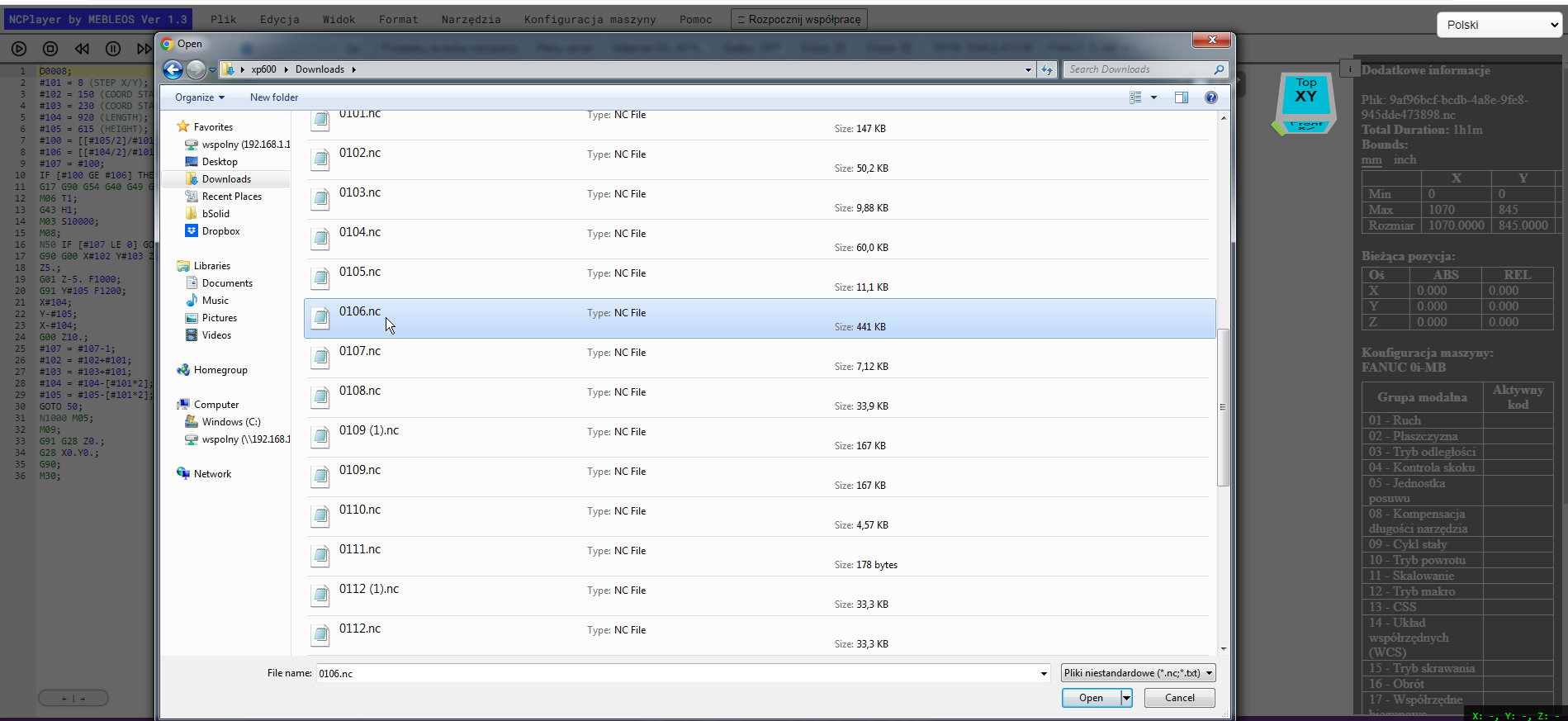
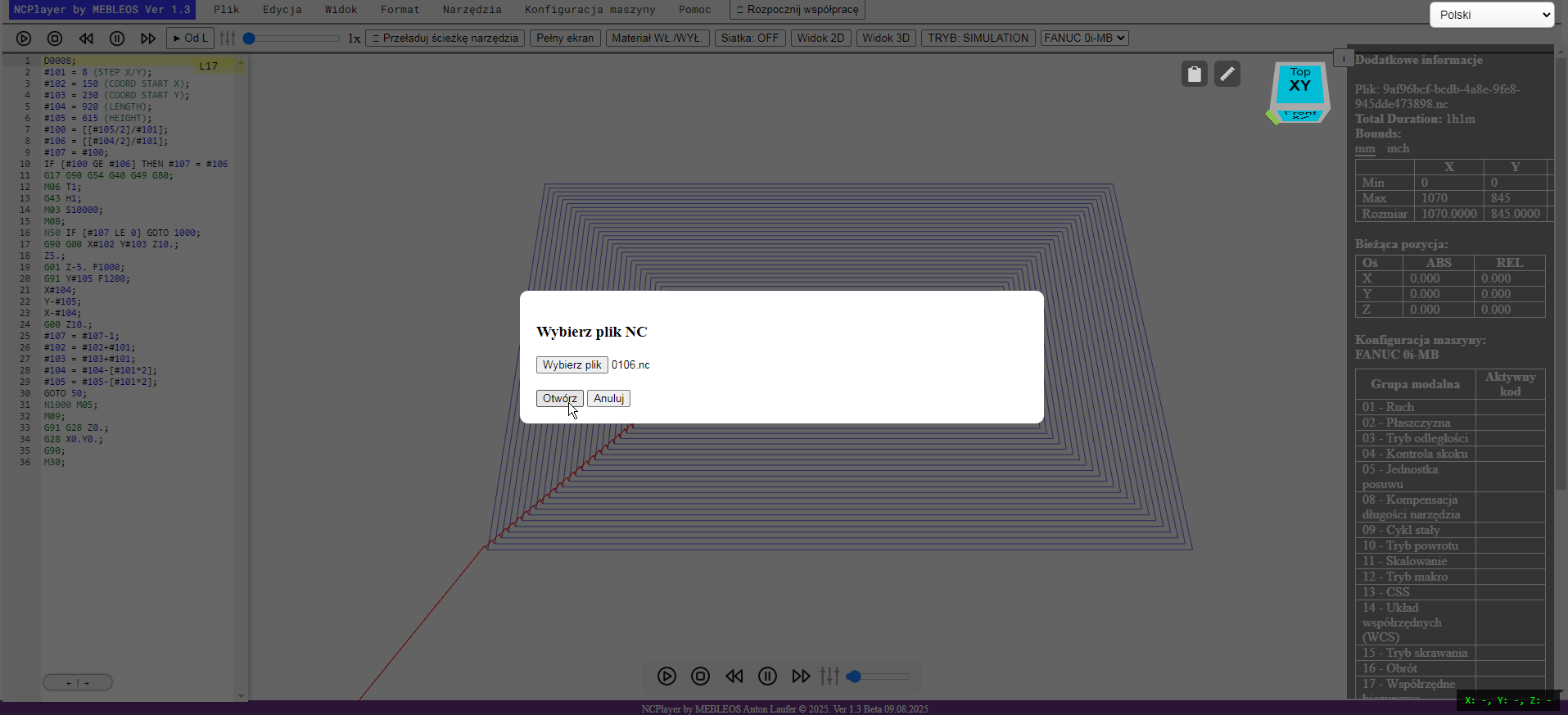
After loading, the file’s content will automatically appear in the G-code editor. You can then edit the code if needed, change simulation parameters, or start the toolpath playback.
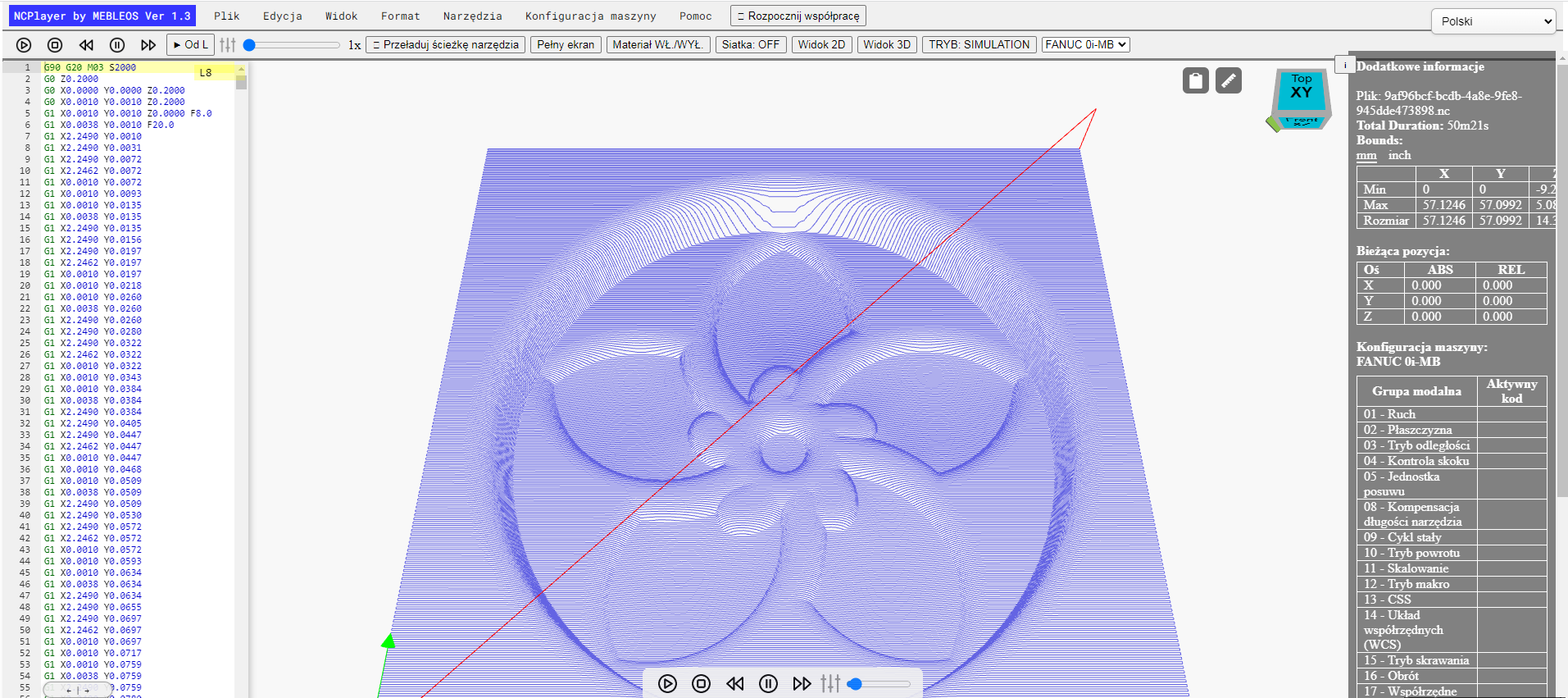
Tip: In addition to the standard dialog-based opening method, you can use Drag & Drop — simply drag the file into the NCPlayer editor window, and it will open automatically.