Language Selection
The NCPlayer interface supports multiple languages, making it convenient for users from all over the world to work with the program.
• Language Selection Panel: located in the top-right corner of the program window. The drop-down list allows you to instantly switch to the desired language.
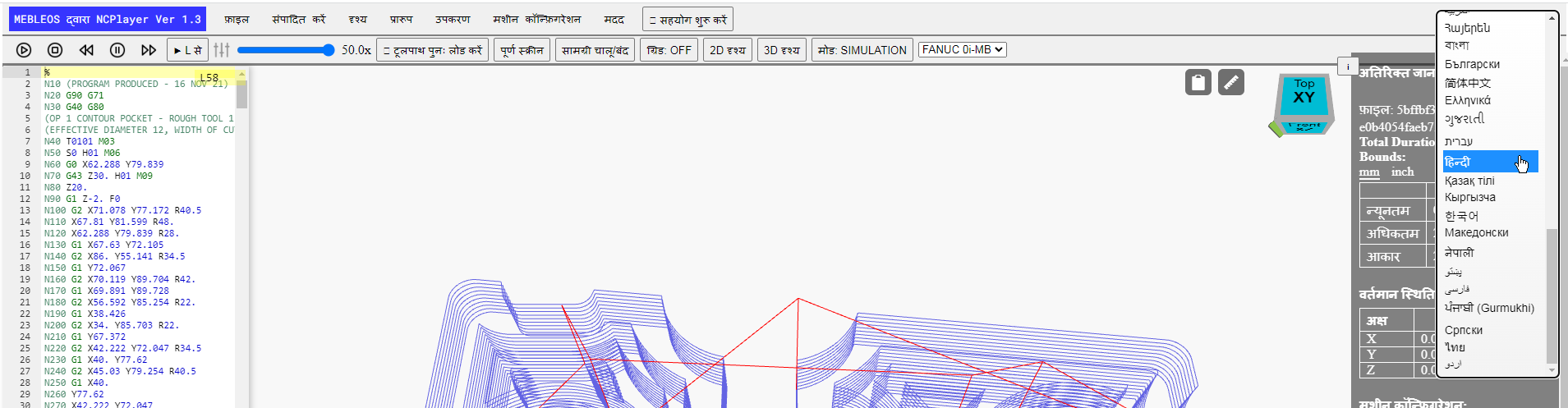
• Automatic Saving: the selected language is stored in localStorage, so the next time you start NCPlayer it will load automatically.
• Full Localization: all menu items, buttons, tooltips, error messages, and notifications are translated.
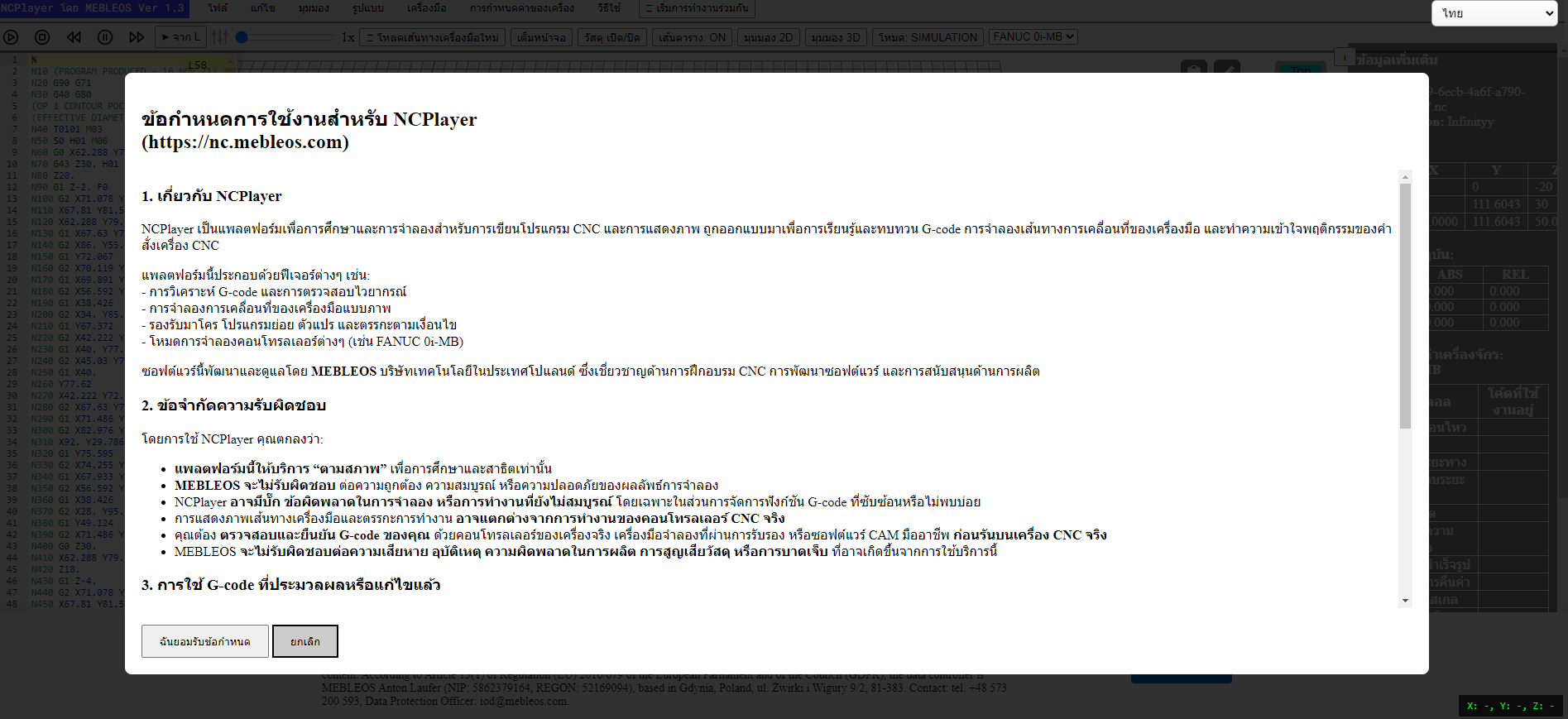
• RTL Support: for right-to-left writing systems (such as Arabic, Hebrew, Pashto, Urdu), the interface is automatically rearranged for easier reading.

• Language Updates: the translation database is regularly updated with new languages and improvements to existing translations.
List of supported languages (52):
English, Arabic, Armenian, Azerbaijani, Bengali, Bulgarian, Chinese (Simplified), Chinese (Traditional), Croatian, Czech, Danish, Dutch, Estonian, Persian (Farsi), Finnish, French, Georgian, German, Greek, Gujarati, Hebrew, Hindi, Hungarian, Indonesian, Italian, Japanese, Kazakh, Korean, Kyrgyz, Latvian, Lithuanian, Malay, Nepali, Norwegian, Polish, Pashto, Portuguese, Punjabi, Romanian, Russian, Serbian, Slovak, Slovenian, Spanish, Swahili, Swedish, Tamil, Thai, Turkish, Ukrainian, Urdu, Vietnamese.
Note: If you notice any inaccuracies in a translation or wish to suggest a new language, please contact the developer via the Mebleos website.