Starting and Ending Collaboration with NCPlayer
The Collaboration Mode feature in NCPlayer allows multiple users to work on the same G-code program in real time. This mode is especially useful for training sessions, joint debugging, demonstrations, and remote programming.
What the Mode Does
- Allows the session owner (initiator) to share their NC-ID with another participant or administrator.
- Ensures synchronization of the editor's content between all connected users:
- Any code change by one participant is immediately reflected for the others.
- Supports change transmission with minimal delay (1–2 seconds or in real time).
- The admin panel allows you to manage session parameters:
- Update frequency (
updateInterval). - Read-only mode (
readOnly). - Automatic refresh (
autorefresh).
- Update frequency (
- The administrator can join any active session to view and edit the code directly.
Starting Collaboration
- Open NCPlayer and load or create a G-code program.
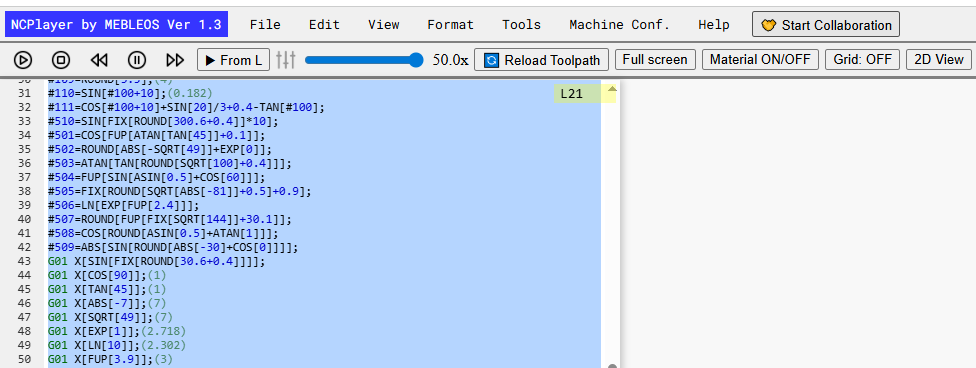
- Click the Start Collaboration button in the top toolbar.
- Receive the generated NC-ID — a unique identifier for your session.
- Share this ID with participants you want to collaborate with.
- The connected user enters your ID in their NCPlayer and starts working with the same code.
Ending Collaboration
- Click the Stop Collaboration button in the top toolbar.
- The session will end, and synchronization will be stopped.
- Participants will keep the last version of the code locally, but further changes will no longer be synchronized.
When to Use
- In a teacher–student mode for step-by-step code explanation.
- For remote debugging and fixing of G-code programs.
- When preparing documentation or code tests with colleagues.
Tip: To protect the code from unwanted changes, the administrator can enable
read-only mode and increase the update frequency for real-time monitoring.
NCPlayer by MEBLEOS © 2026