Exporting the CNC Program
The Exporting the CNC Program feature in NCPlayer allows you to quickly save the current G-code as a separate file on your device for later use on a CNC machine or in other systems.
Export is performed in the standard text formats .nc or .txt, ensuring compatibility with most CAM systems and CNC controllers, including FANUC, Syntec, Haas, and others.
How to use:
- Finish editing your CNC program in the NCPlayer editor.
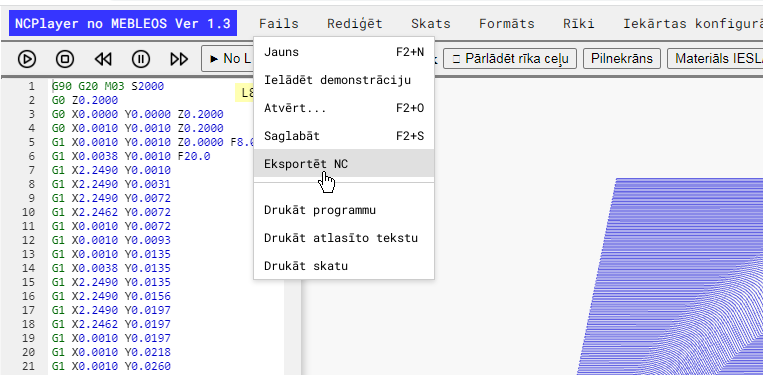
- Open the top menu File.
- Select the Export option.
- Save the file to your computer or mobile device.
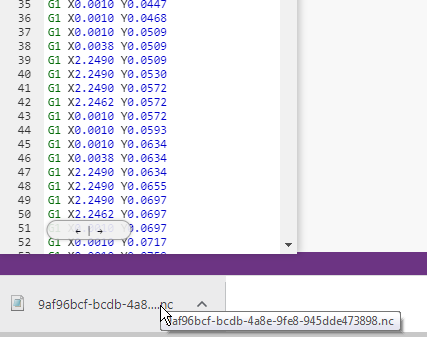
The exported program fully preserves the indentation, comments, and code structure created or edited in NCPlayer.
💡 Tip: Before exporting, it is recommended to run a simulation to ensure there are no errors and the toolpath is correct.
NCPlayer by MEBLEOS © 2026