Printing Selected CNC Program Text
In NCPlayer, there is a feature for printing a selected code fragment. It allows you to print only the required part of a CNC program, without having to print the entire G-code.
How to Use
- Open the desired CNC program in the NCPlayer editor.
-
Use the mouse or the Shift + arrow keys
to select the code fragment you want to print.
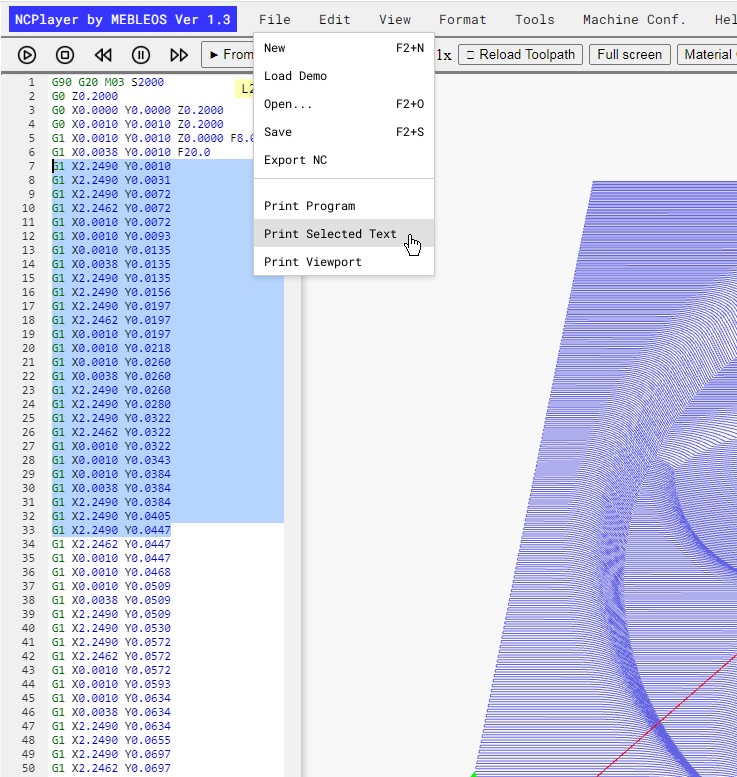
- In the top menu, choose File → Print Selected or use the assigned keyboard shortcut (if available).
- A standard print dialog will open, where you can select a printer or save the selected code as a PDF.
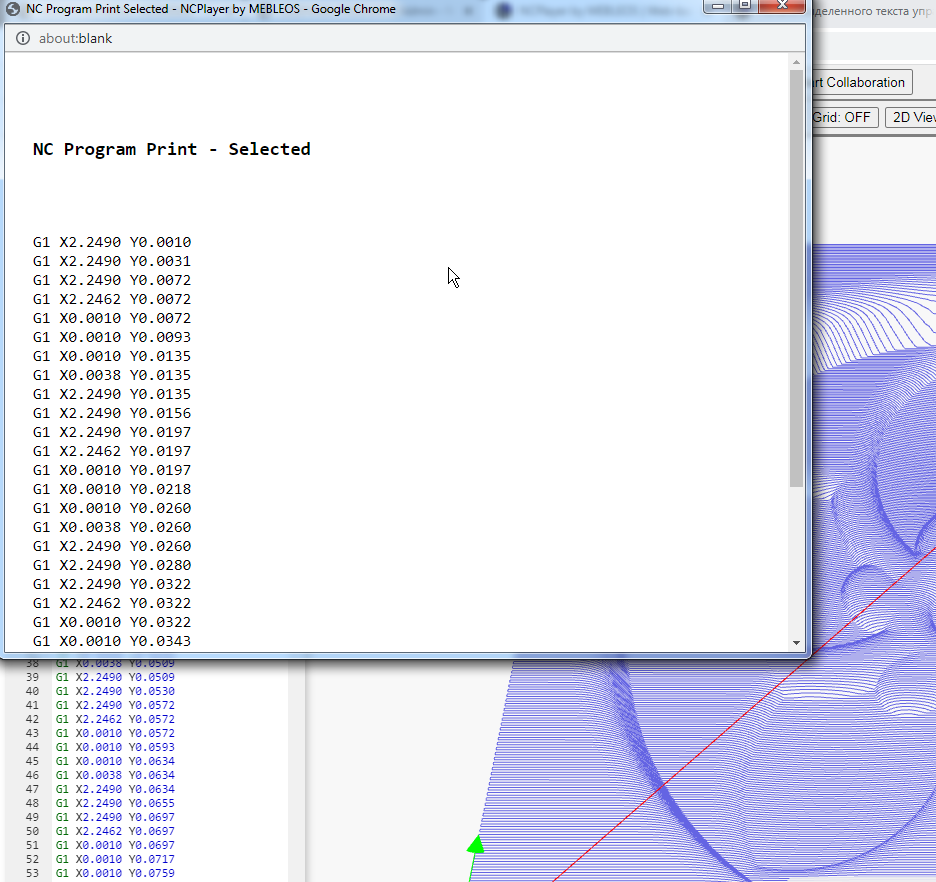
Important
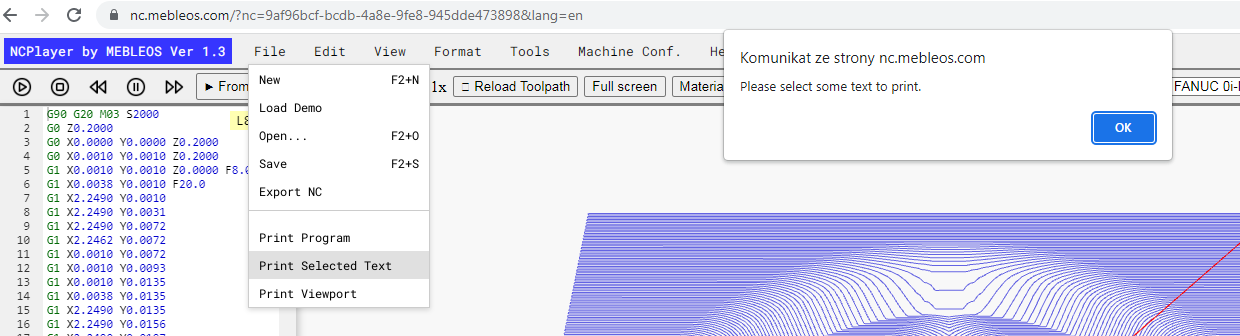
- If no text is selected, attempting to print will display an error message: "Please select some text to print."
- Before printing, make sure the selected block of code contains all the necessary lines.
- The function works only with the active editor that has a CNC program loaded.
This feature is especially useful when you need to print a specific part of a program for testing, sharing with a colleague, or making manual edits.
NCPlayer by MEBLEOS © 2026