Hotkeys (F2)
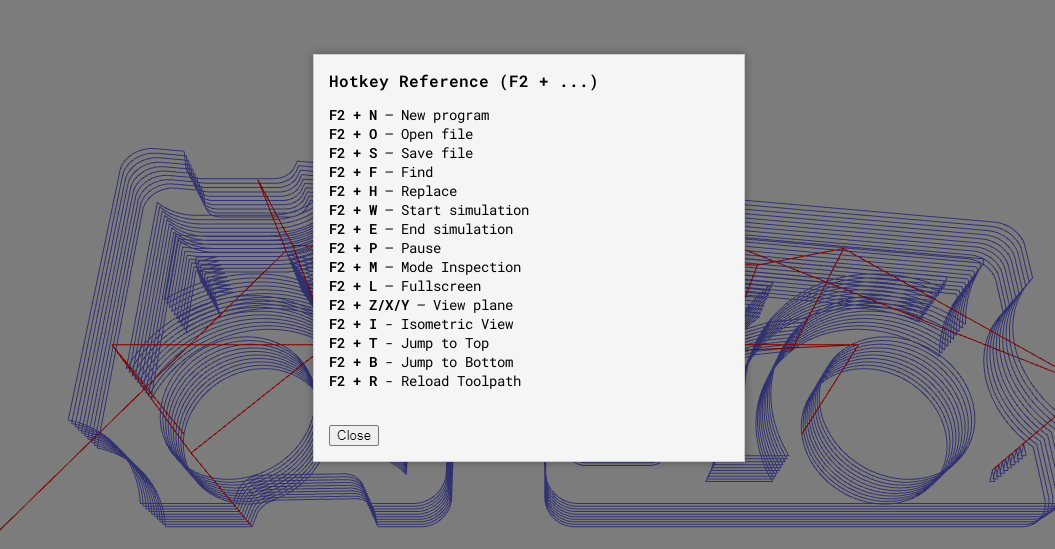
Hotkeys (Hotkey Reference)
In NCPlayer, you can quickly access key functions using keyboard shortcuts.
The F2 + … combinations work while holding down the F2 key.
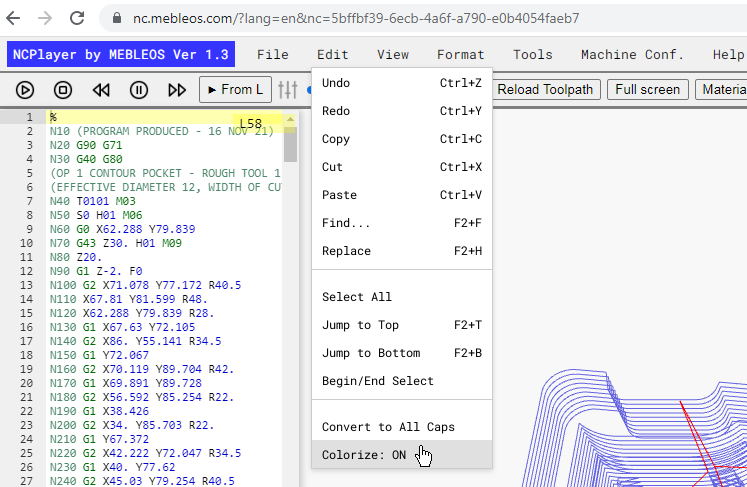
The screenshot shows the Edit menu with shortcut hints.
F2 Combinations
• F2 + N — New Program
• F2 + O — Open File
• F2 + S — Save File
• F2 + F — Find
• F2 + H — Replace
• F2 + W — Start Simulation
• F2 + E — End Simulation
• F2 + P — Pause
• F2 + M — Inspection Mode
• F2 + L — Fullscreen Mode
• F2 + Z / X / Y — View in Z/X/Y Plane
• F2 + I — Isometric View
• F2 + T — Jump to Top
• F2 + B — Jump to Bottom
• F2 + R — Reload Toolpath
Standard Shortcuts
• Ctrl + Z / Ctrl + Y — Undo / Redo
• Ctrl + C / Ctrl + X / Ctrl + V — Copy / Cut / Paste
• Ctrl + A — Select All
• Ctrl + F — Find
• Ctrl + H — Replace
Usage Tips
• Hold down F2 and press the corresponding letter — the command will execute without opening the menu.
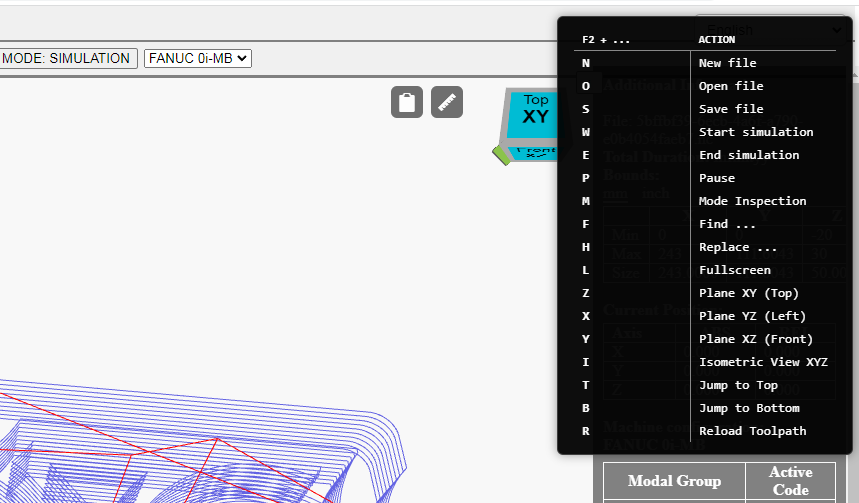
• During simulation, quick commands Pause (F2+P) and Inspection Mode (F2+M) are available for real-time toolpath analysis.
• Hotkeys are displayed in the dropdown Edit menu and other sections — refer to the hints on the right.